DustMagic — Batch Dust & Scratch Removal for Film Scans
How It Works Pricing Guides Download
Now available for Windows & Mac

Clean your film scans like magic.

Tune a folder. Remove dust, fibres, and hairs from hundreds of scans in minutes. The only batch dust removal tool available.

100 images in ~3 minutes*
Built for film scanners & DSLR rigs
Tune one image, clean the whole batch
*Performance varies based on image size and CPU power.
Process your scans, then edit in your favourite tools
Lightroom Photoshop Negative Lab Pro Capture One Any editor

Watch a full batch
processed in real time.

No speed-up. No tricks. See how fast DustMagic processes a real folder of dusty scans from start to finish.

Full demo: Loading a folder → tuning detection → batch processing 100 images → reviewing with detection masks

One click. Thousands of
dust spots removed.

Drop your scans in. Get clean images out. Every processed image comes with a detection mask so you can verify exactly what was removed.

dust-magic — batch complete · 36 images processed
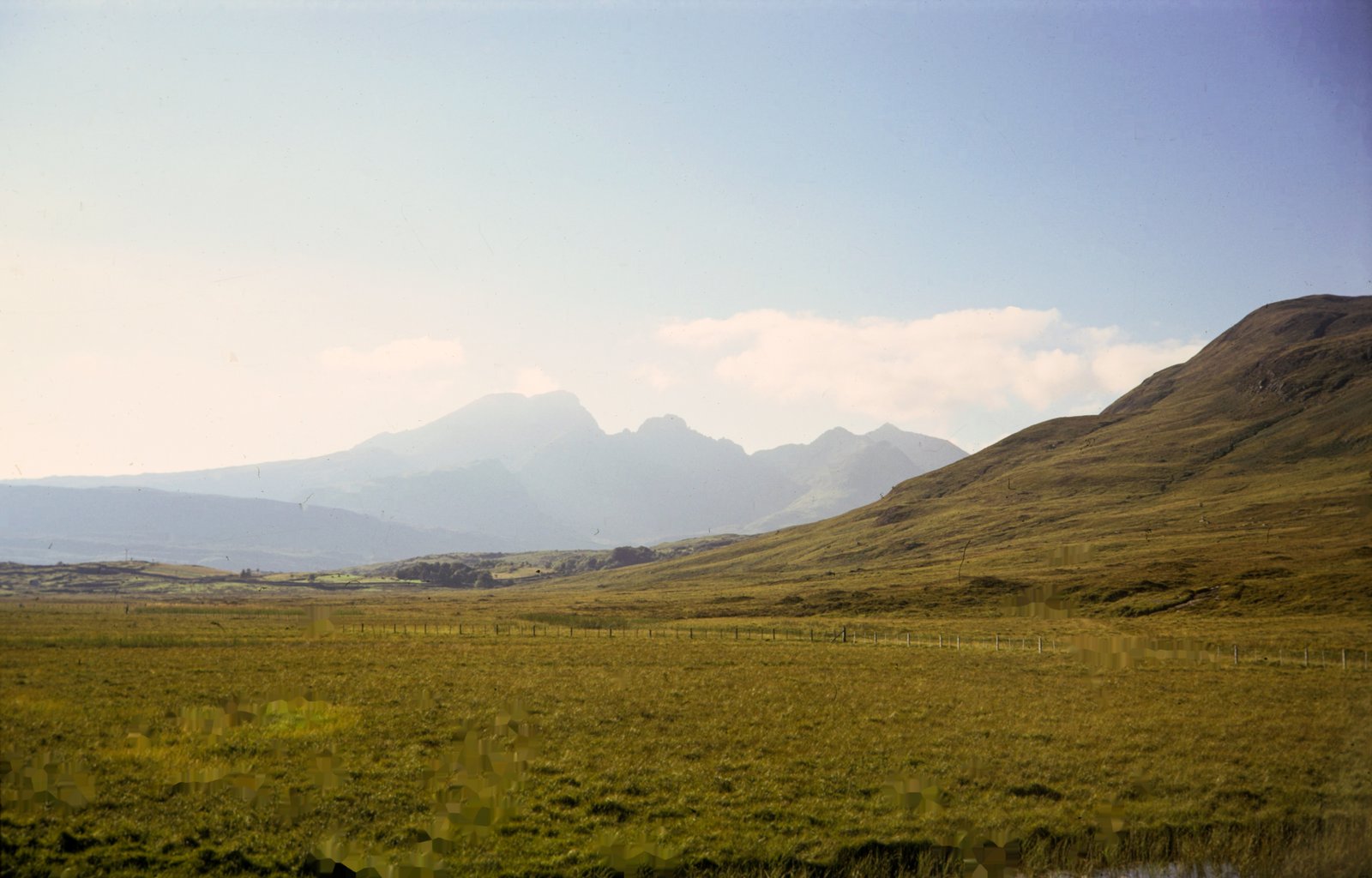
Film scan with dust spots and fibres visible
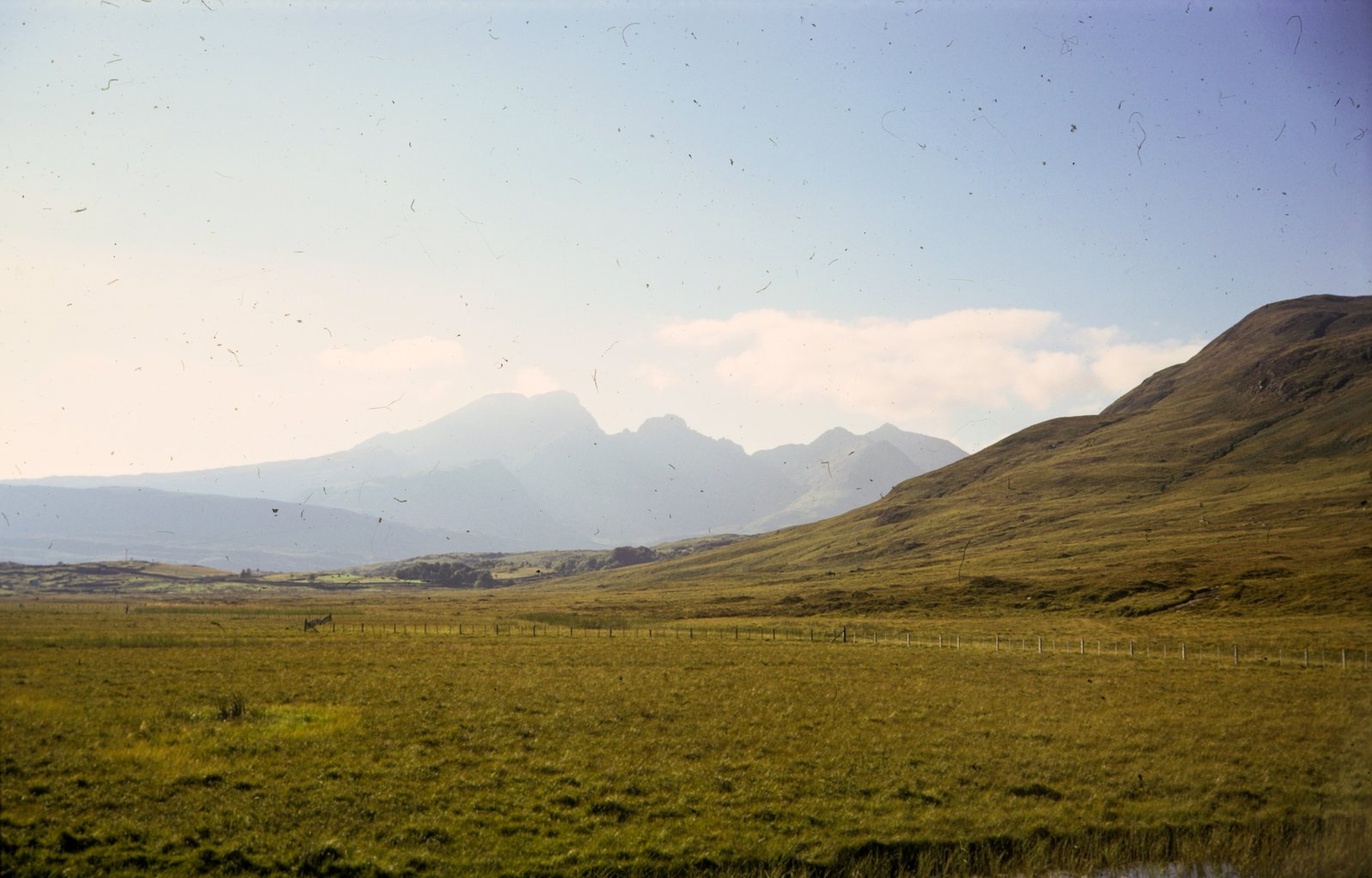
Same film scan after DustMagic processing with dust removed
Dust mask
After
408 dust spots detected · processed in 0.4s

Everything you need.
Nothing you don't.

📁

True Batch Processing

Tune a folder of 50, 500, or 5,000 scans. DustMagic processes every frame in parallel using all your CPU cores. No other tool does this.

🌱

Multi-Stage Detection Pipeline

Not a simple filter or AI black box. Multiple independent detection stages work together — cross-checking each other — to separate real dust from image detail with a precision no single method can match.

📷

Built for Film Scanners & DSLR Rigs

Works with DSLR/mirrorless camera scans and dedicated scanner output. Handles both slides (dark dust) and negatives (bright dust) with polarity-aware detection.

📈

16-bit TIFF Support

Handles large, high-resolution files at full bit depth. JPEG, TIFF (8-bit and 16-bit), PNG, and BMP. Same format and quality in, same format and quality out.

Live Parameter Tuning

Adjust detection sensitivity in real time with instant visual feedback (~200ms). Tune on one image, apply to the entire batch. Presets included for common scenarios.

🔎

Verification Masks

Every processed image includes a detection mask showing exactly what was removed. Overlay, split, and zoom up to 20x to verify. Full transparency — nothing is a black box.

~3m
100 images processed
6stage
Detection pipeline
16bit
Full bit depth
0GPU
Required — runs on any CPU

Three steps. Zero headaches.

No Photoshop required. No plugins to configure. Individual-image control, batch-processing speed.

01

Load your scans

Point DustMagic at a folder of scanned images — TIFF, JPEG, PNG, or BMP. Any resolution, slides or negatives.

02

Tune one, process all

Dial in detection on a single image with live visual feedback (~200ms response). When it looks right, hit "Process All" — DustMagic applies your settings across the entire batch in parallel. Individual-image precision at batch-processing speed.

03

Verify & export

Cleaned images and detection masks saved to an output folder. Originals are never modified. Review with overlay, split, or mask views, then import into your editor.

One plan. Unlimited images.

12-month licence. Unlimited batch processing. All updates included. Start free — no credit card needed.

Free Trial
$ 0
No credit card required · No time limit
  • Batch process up to 50 images
  • Reprocess the same batch to experiment
  • All features and settings enabled
  • Full resolution output
  • No watermark
Download Free

Hours saved. Sanity restored.

"200 slides processed while I made a coffee. I used to spend the entire evening in Photoshop healing dust one spot at a time. This changes everything."
Liam Whitaker.
DSLR scanner · r/analog contributor
"I love that I can see the detection mask for every image. I know exactly what it changed. No black box — just clear, verifiable results."
Sophie Bristow.
Film photography enthusiast, UK
"I'm scanning my parents' 4,000 slides. Without DustMagic this project would have taken me a year of evenings. Now it's actually doable."
Rupert Carter.
Family archive project, UK

Common questions

Will it destroy my film grain? +
Only pixels within the detected dust mask are modified — everything else is completely untouched. The dual-pass inpainting system preserves surrounding detail. On very grainy film stocks, inpainted spots may appear slightly smoother at 100% zoom, but this is invisible at normal viewing sizes and in prints.
Does it use AI or machine learning? +
No. DustMagic does not use AI or machine learning. It uses a deterministic, multi-stage process that runs entirely on your own machine and only ever uses your own image — nothing is invented, generated or borrowed from a training set. Every decision is repeatable and visible via the detection mask, so the result stays faithful to your scan. No cloud, no black box.
What film types does it support? +
Positive slides, colour negatives, and Kodachrome. The polarity setting lets you switch between dark defects (slides) and bright defects (negatives). It's optimised for the specific characteristics of surface dust and fibres on scanned film.
Does it work with DSLR scans and scanner output? +
Yes, both. DustMagic was purpose-built for DSLR/mirrorless camera scanning but works equally well with output from dedicated film scanners where dust has been captured. No infrared channel required. Supports both positive slides (dark dust) and negatives (bright dust) with polarity-aware detection.
What file formats are supported? +
JPEG, TIFF (8-bit and 16-bit), PNG, and BMP. Exported in the same format and quality as the original. Originals are never modified.
Can I try it before buying? +
Yes. The free trial lets you load and process up to 50 unique images with all features enabled at full resolution. You can re-run the same images as many times as you like with different settings — re-runs do not consume any extra trial allowance. The trial ends when you load image 51, at which point you will need to purchase a Licence to continue. No credit card required, no time limit, no watermark, and the trial does not auto-convert into a paid plan.
How fast is it? +
100 images in approximately 3 minutes* on a modern 6-core CPU. 1,000 images in around 30 minutes. Speed depends on image resolution, detection settings, CPU cores, and available RAM. No GPU required — runs on any modern multi-core processor.
How does the annual licence work? +
Your licence is valid for 12 months from purchase and includes unlimited batch processing. All product updates are included while your licence is active, so you're always on the latest version. When it expires, you can still use DustMagic for single image-by-image processing — batch folder processing is disabled until you renew. No auto-renewal — you decide each year.
What happens when my licence expires? +
DustMagic doesn't stop working. You can still open the app and process images one at a time — the batch folder processing feature is simply disabled until you renew. Your settings, presets, and previous work are unaffected.
How many devices can I use? +
Each licence includes 1 device activation. If you switch machines, you can deactivate your current device from the app settings and activate on a new one.
Does it need an internet connection? +
Only for initial activation and licence verification. After that, DustMagic runs entirely offline on your CPU. Your images never leave your computer. No cloud processing, no uploads, no data collection.

Stop retouching dust.
Start making photographs.

Join film photographers who've reclaimed hours of their workflow.

Coming Soon
Not ready to buy? Download the free trial — 50 images, all features, no credit card.
Windows 10/11 · macOS